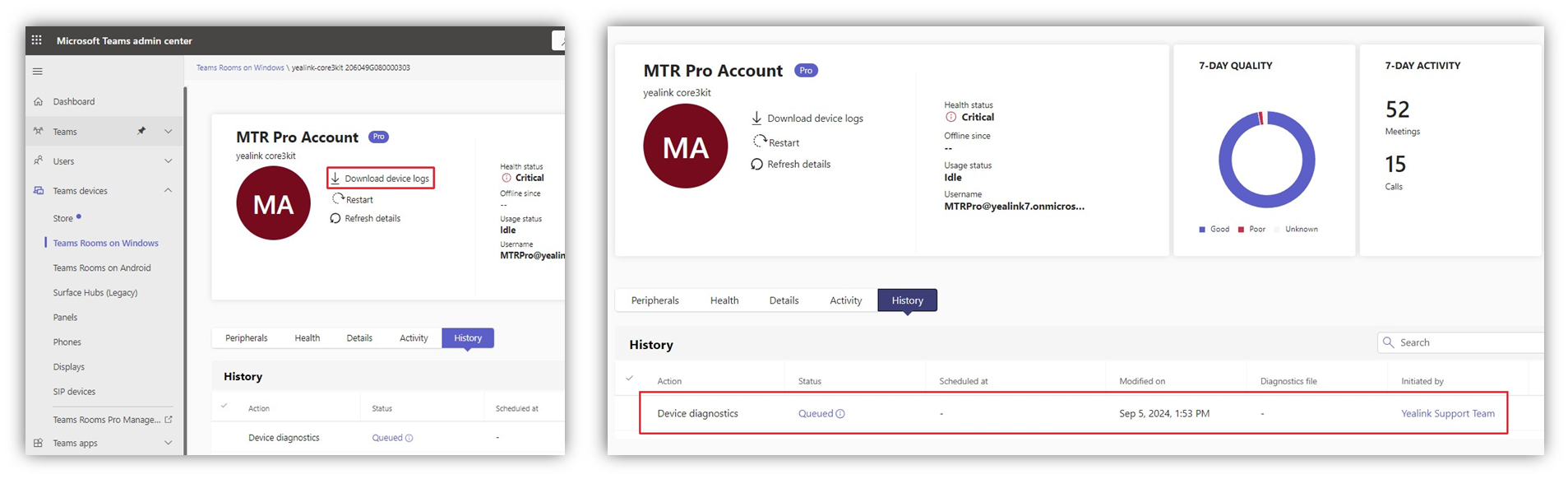
To collect logs in Teams admin center, go to Teams devices > Teams Rooms on Windows/Andoird. Select the display name of the device you want logs for. In the top panel, select "Download device logs“ the logs will be ready for download in the History tab after a few minutes.